Import from a link
Make sure the link opens normally and contains a visible recipe. Some sites or posts may limit what can be read.
Start with the quick checks below. For personal help, email us or open the full Receptly support page.
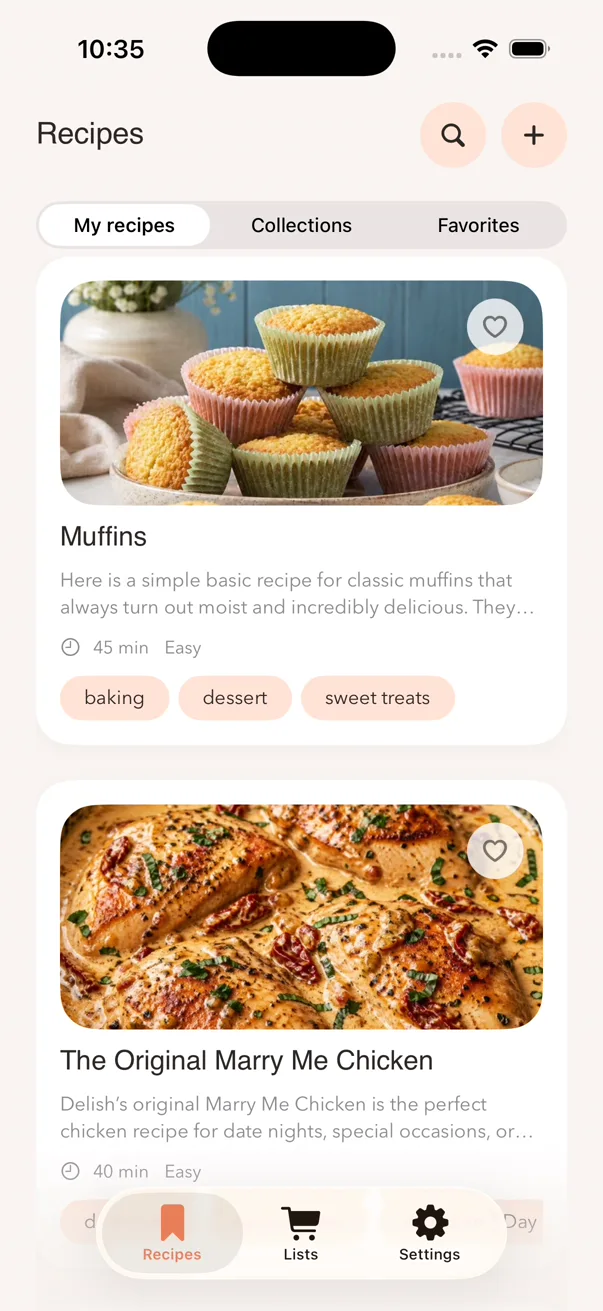
Make sure the link opens normally and contains a visible recipe. Some sites or posts may limit what can be read.
Use a sharp, evenly lit image and check recognized ingredients and instructions before saving.
Update Receptly and iOS first. Purchase availability and current prices are shown in the App Store.